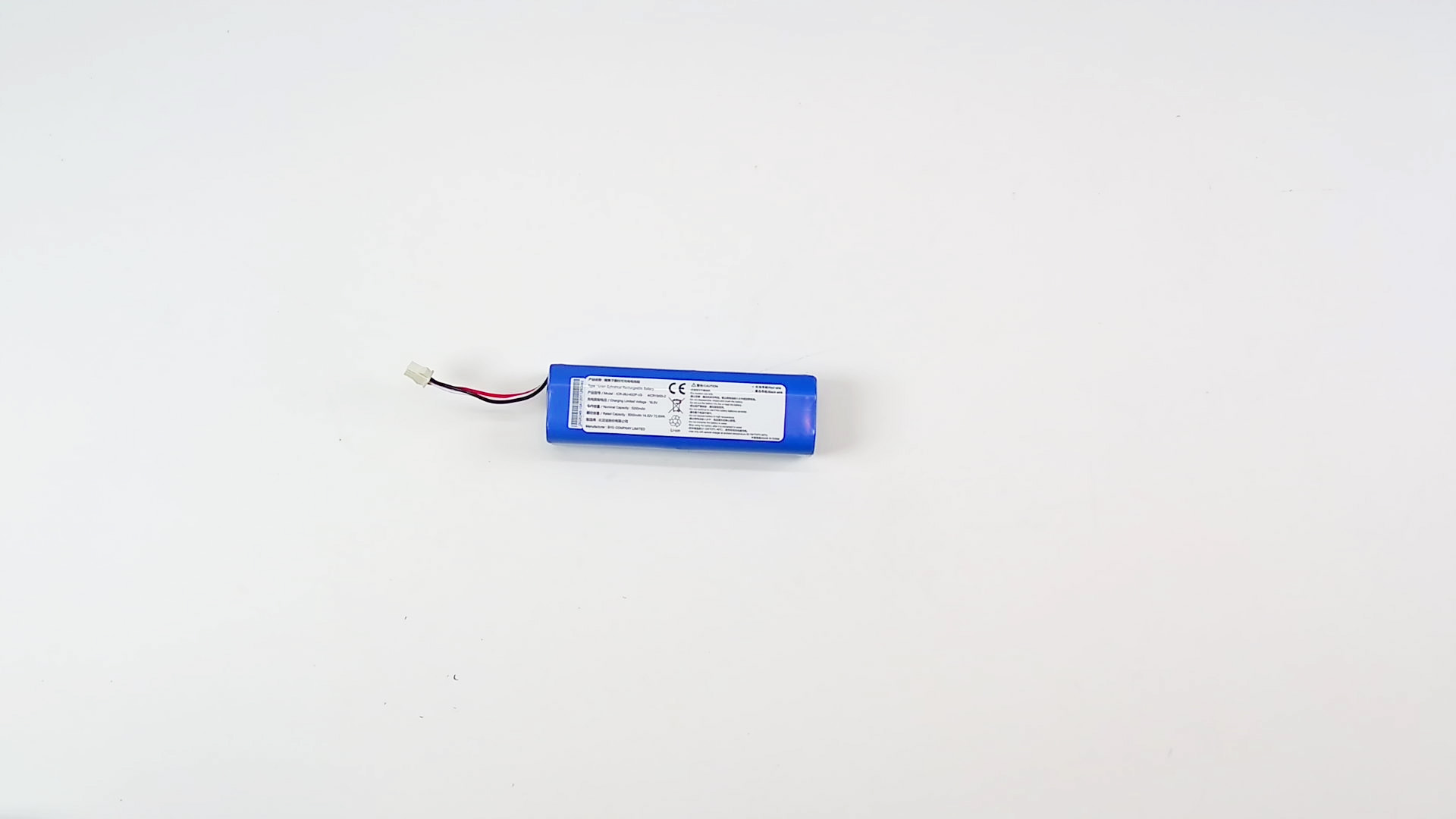
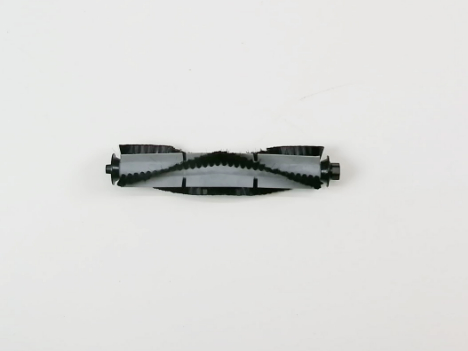
Robot Vacuum Cleaner
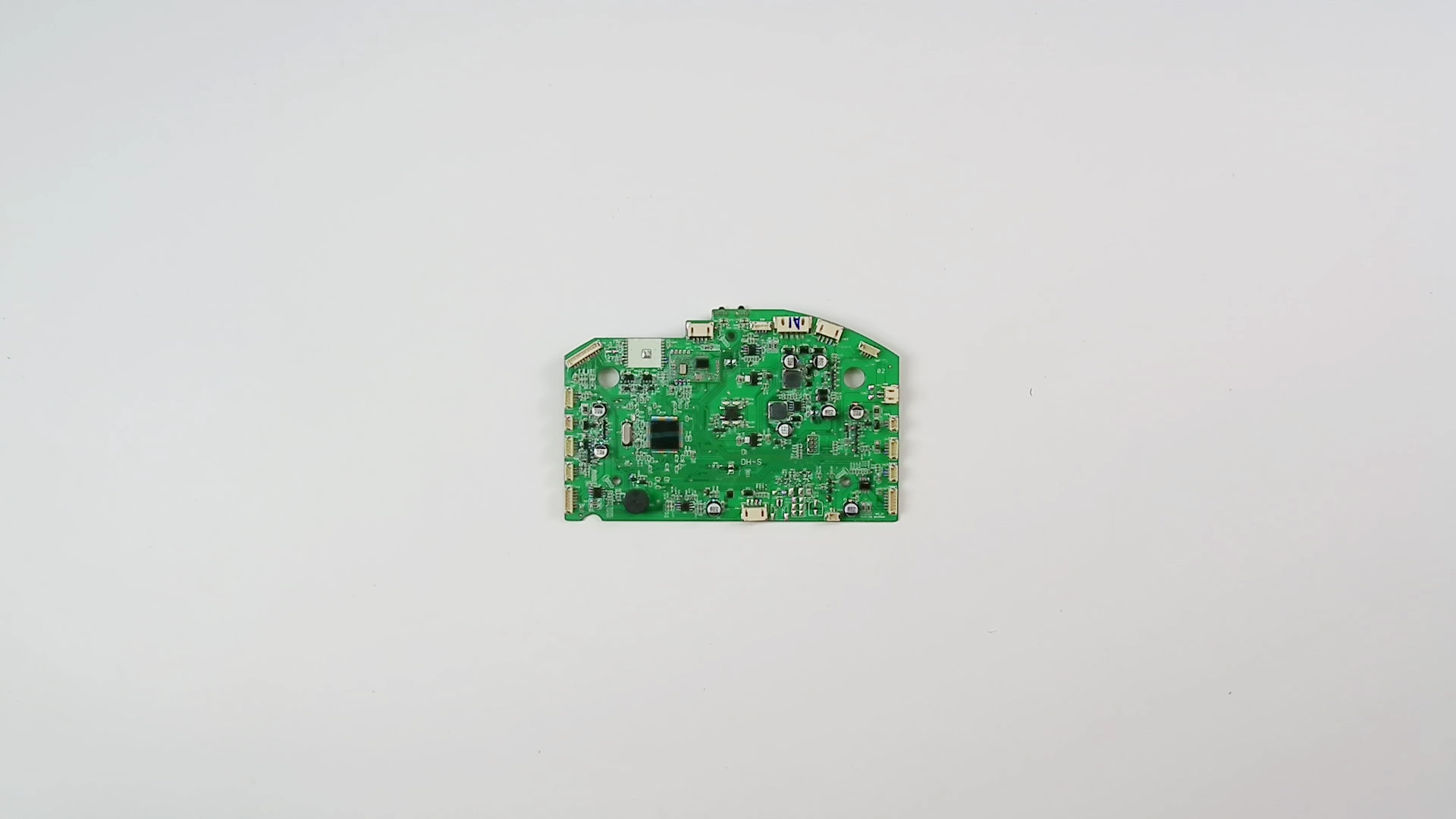
K600 Motherboard Replacement
If your robot vacuum cleaner experiences the following situations:The robot does not respond when the power button is pressed (no lights, sounds, or movement).The robot exhibits erratic or abnormal behavior (e.g., spinning in circles, moving only in one direction, not responding to commands).Specific components fail to activate despite being functional (e.g., motors do not run, sensors do not respond, brushes do not spin).The device randomly powers off or restarts during operation.It may be due to a Motherboard malfunction,This guide demonstrates the steps necessary to remove and replace the motherboard in your Yeedi K600 robot vacuum;Tips:Power Off:Before starting, you MUST completely power down the device and disconnect all external power cables (AC adapter) and peripherals.ESD Protection: Always wear an anti-static wrist strap and properly ground yourself to prevent electrostatic discharge (ESD) damage to components.Environment: Perform the operation on a clean, flat, well-lit, and static-free work surface.Disclaimer: This guide is for reference only. The user assumes all risks and liabilities associated with the use of this information. The authors and publishers are not responsible for any device damage or personal injury.